Kalman Filter
- 0 min read
I have been working on a project that involves controlling a car with an Arduino board. The car is made of a chassis, two motors, and a battery. The motors are connected to the Arduino board through a motor driver, which allows the Arduino to control the speed and direction of the motors using a wii nunchuck as a remote control.
#include <math.h>
#include "Wire.h"
#include "WiiChuck.h"
#include <Servo.h>
#include <RHMotor.h>

WiiChuck chuck = WiiChuck();

int joyX = 0;
int joyY = 0;

#define MOVING_MARGIN  50
#define ROTATE_MARGIN  50

int left_motor_pin = 7;
int right_motor_pin = 6;

RHMotor motor(left_motor_pin, right_motor_pin);

void setup()
{

  Serial.begin(9600);
  Serial.flush();

  Serial.println("Initialize chuck engine.");

  chuck.begin(1000);
  chuck.update();

  delay(1000);

  Serial.println("Completed.");
  Serial.println("Initialize motor engine.");

  motor.start(300);

  delay(1000);
  motor.stop();

  Serial.println("Completed.");
}

void loop()
{

  chuck.update();

  joyX = chuck.readJoyX();
  joyY = chuck.readJoyY();
  //Serial.print(joyX);
  //Serial.print(" ");
  //Serial.print(joyY);
  //Serial.println();

  if (millis()%1000 == 0)
    Serial.print(".");

  if (chuck.zPress() == 1) {
      Serial.println("Z Pressed");
      motor.stop();
  }

  if (joyY > MOVING_MARGIN)     {
    Serial.println("Fwd");
    motor.forward();
  } else if (joyY < 0-MOVING_MARGIN) {
    Serial.println("Bwd");
    motor.backward();
  }

  if (joyX > ROTATE_MARGIN){
    Serial.println("Right");
    motor.right(300);
  } else if (joyX < 0-ROTATE_MARGIN) {
    Serial.println("Left");
    motor.left(300);
  }

  if (chuck.cPress()) {
    int left = motor.getLeftServo().readMicroseconds();
    int right = motor.getRightServo().readMicroseconds();
    Serial.print(left);
    Serial.print(" ");
    Serial.println(right);
  }

  joyX = 0;
  joyY = 0;

  delay(20);
}
This is a sort video of the car in action:
Este experimento es para tratar de calibrar los servos que se van a usar como motores.
Este paso es importante ya que hay que encontrar el punto en el que el servo queda detenido.
Material -Un servo de rotación continua
Conexiones - Usar para el servo una salida con PWM
#include <Servo.h>
#define SERVO_PIN  6

Servo servo;
int velocity;
void setup()
{

    Serial.begin(9600);
    Serial.flush();

    // Initialize
    velocity = 0;

    servo.attach(SERVO_PIN);
}

void loop()
{
    // commands
    if ( Serial.available()) {
      char ch = Serial.read();
      switch(ch) {
        case 's':
          servo.write(0);
          servo.write(velocity);
          break;

        case 'a':
          velocity += 10;
          break;
        case 'd':
          velocity -= 10;
          break;
        case 'z':
          velocity += 1;
          break;
        case 'x':
          velocity -= 1;
          break;
        case 'f':
          servo.detach();
          servo.attach(SERVO_PIN);
          break;
        case 'q':
          velocity = 0;
          servo.write(velocity);
          break;
        case 'w':
          velocity = 90;
          servo.write(velocity);
          break;
        case 'e':
          velocity = 180;
          servo.write(velocity);
          break;
      }
       Serial.print("> ");
       Serial.print(ch);
       Serial.print(" ");
       Serial.print(velocity);
       Serial.print(" ");
       Serial.print(servo.readMicroseconds());
       Serial.println();
  }
}

Resultados

Servo A

Stop 86 (momento en que el servo deja de meter ruidito)

Servo B

Stop 83
= acts_as_role
This is a minimalist implementation of roles using a database column to store the roles in plain text. You can specify the role values and a default role that should be used when model is initialized.
  class User < ActiveRecord::Base
    acts_as_role :role, :values = %w(admin owner user), :default => :user
  end
Use role field to store the user roles.
  user = User.new
  user.role => "user"
  user.has_role?(:user) => true
Test roles using has_#{role_column.singularize}? or has_#{role_column.pluralize}?
  user.has_roles?(:user, :admin) => false

  user.add_roles :owner
  user.has_roles?(:user, :owner) => true
Roles are stored using plain text
La cosa es que en cierta ocasión había abierto este GPS y me había llamado la atención los agujeritos de conexión que hay dentro, de modo que me puse a buscar información al respecto y di con esta página (de un tal xam) en la que vi una foto en donde se actualizaba el software por medio de los agujeritos… http://xamweb2.dyndns.org/wordpress/2008/02/20/fortuna-clipon-flashing/ http://xamweb2.dyndns.org/wordpress/2007/09/20/innenleben-von-sirf2-gps-mausen-2/
Información
Mi GPS es parecido al de la primera foto pero distin del de la segunda, en vez de tener 12 agujeritos tiene 7
He intentado encontrar el código pero no hay forma ..
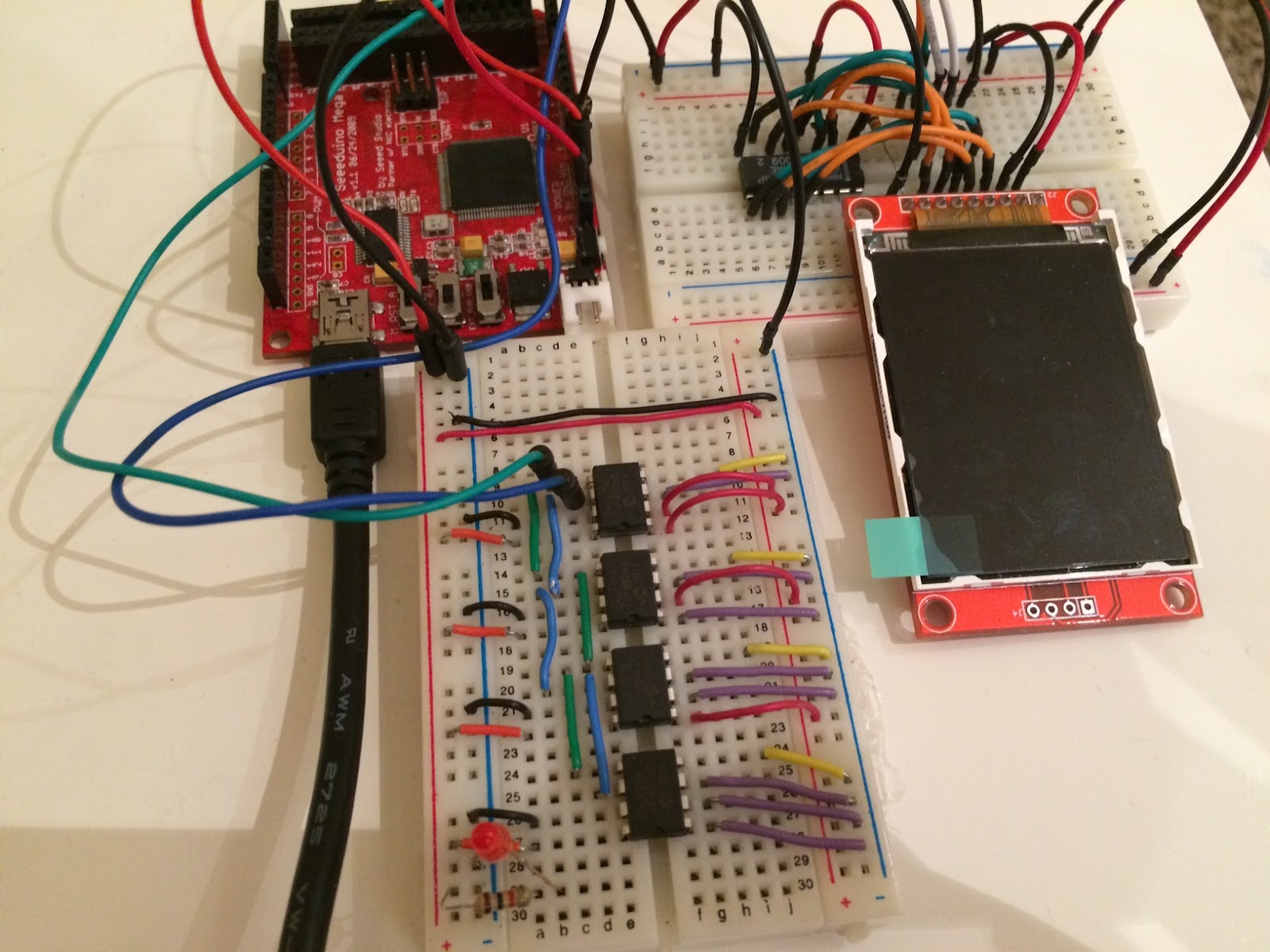
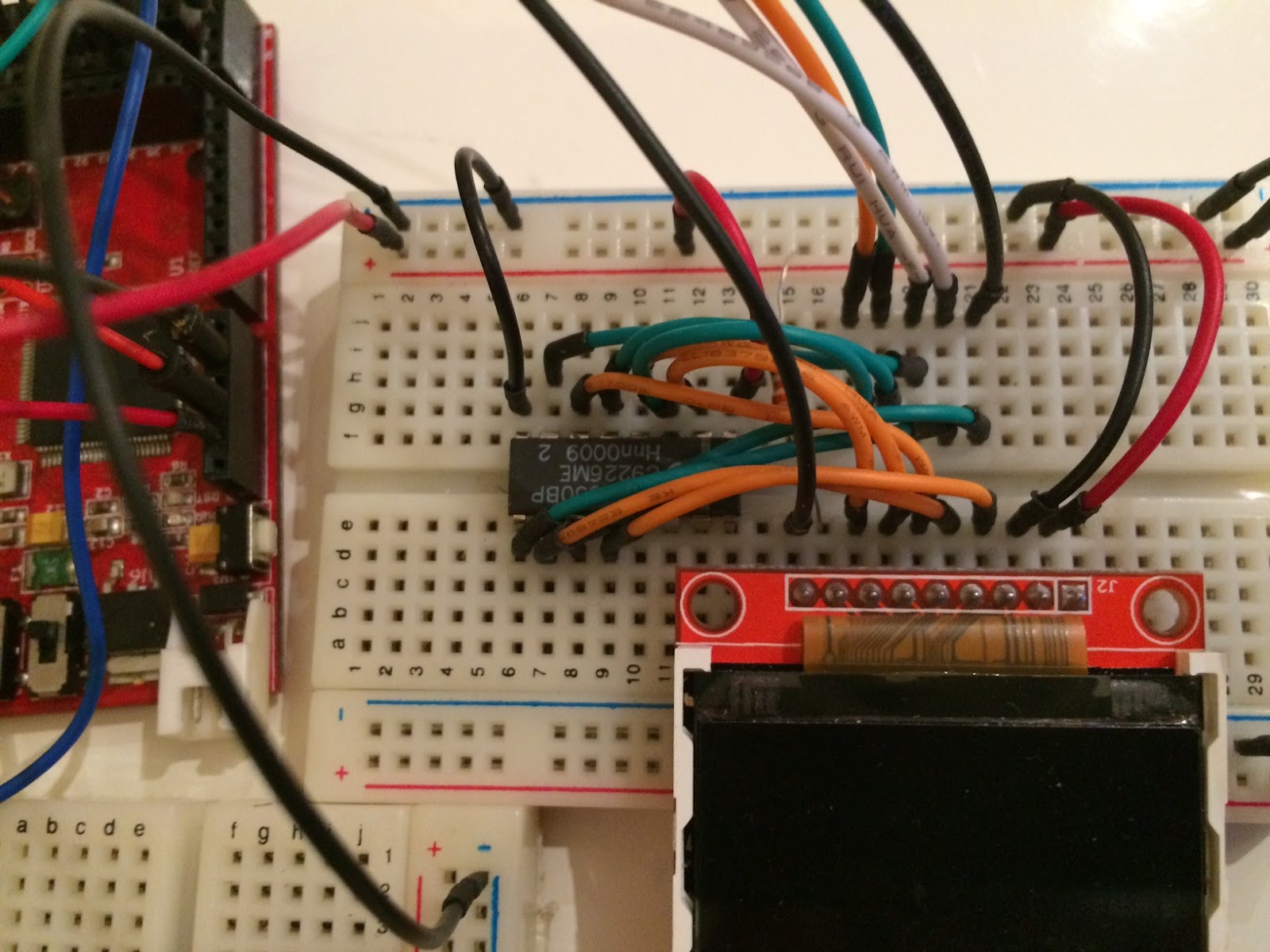
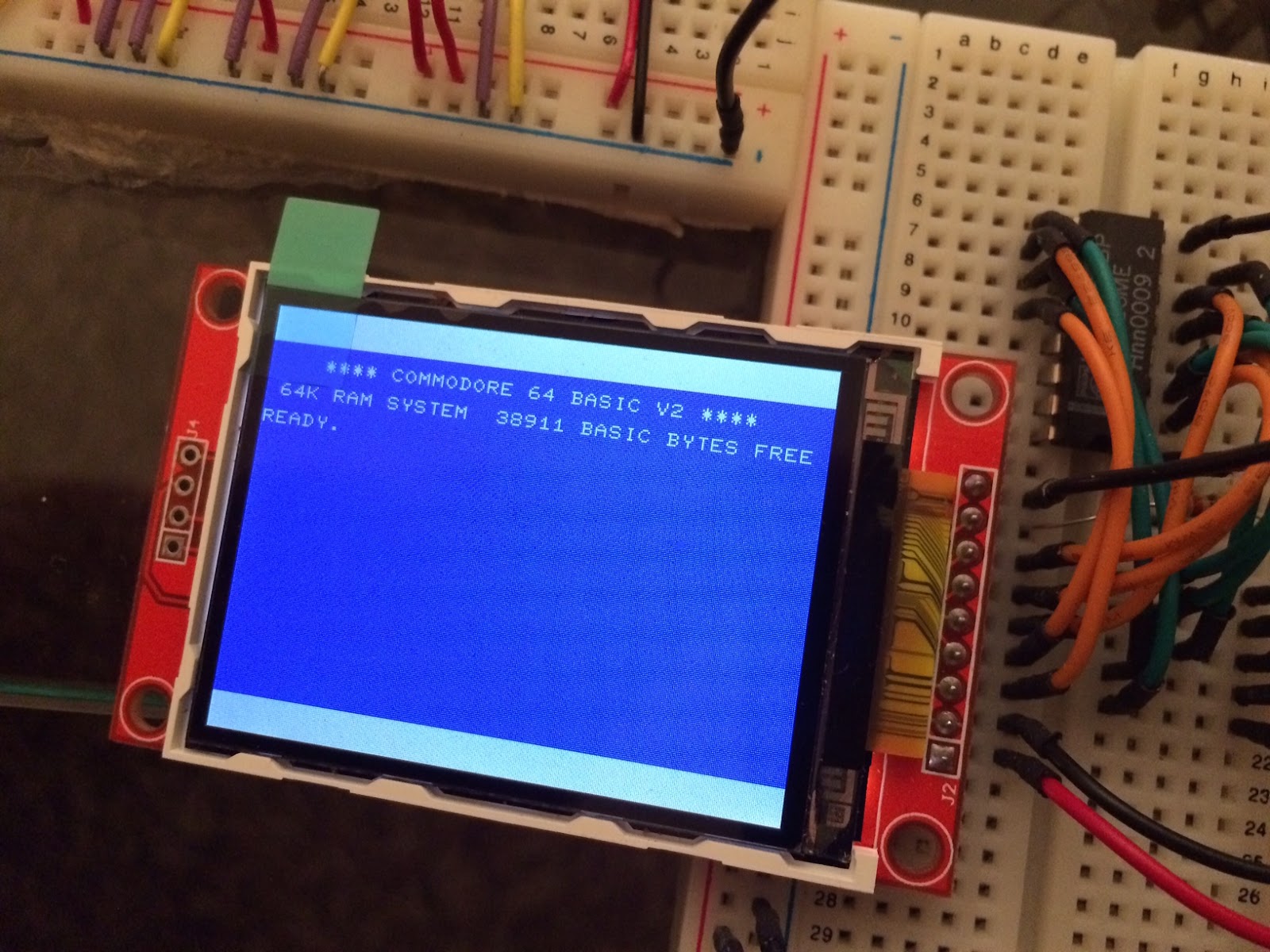
Finalmente he hecho una biblioteca I2C_eeprom. Hay una parte que merece una explicación es el hecho de que estas memorias EEPROM tienen un modo de escritura más rápida (Page Write), en este modo podemos escribir 64bytes de golpe con lo que el proceso de escritura es considerablemente más rápido. Este modo viene explicado en el datasheet de estas eeproms. La cosa es que cuando he ido a implementarlo he tenido bastantes problemas. Lo que he estado programando usa la biblioteca Wire, que a su vez usa unas funciones definidas en Wire\Utility\Twi.h (Two Wire Interface??) Bien, tanto Wire como Twi usan un buffer interno de 32bytes, y el 24lc256 usa páginas internas de 64bytes, de modo que hay que ajustar estas dos bibliotecas para poder usar el método write_bytes_fast otra cosa importante es que este método no es capaz de saltar de dispositivo, así que estamos limitados a 32k, más que suficiente. La segunda cosa es que los bloques de 64 bytes deben escribirse completamente, es decir que en cada operación no se pueden escribir ni más ni menos y deben escribirse en su sitio. En 32k hay 512 páginas de 64bytes. Nota: para usar fast hay que modificar el tamaño del buffer en wire.h y twi.h pero en ambas hay que usar un buffer de 66Bytes, esto es debido a que el direccionamiento previo son dos Bytes.
Código
El código que amplia la biblioteca Wire para usar EEPROMs 24lcXX http://www.arduino.cc/playground/Code/I2CEEPROM
La biblioteca Wire http://arduino.cc/en/Reference/Wire
#include <Wire.h>
void I2C_eeprom_write_byte( int deviceAddress, unsigned int address, byte data )
{
  int rdata = data;
  Wire.beginTransmission(deviceAddress);
  Wire.send((int)(address >> 8));    // MSB
  Wire.send((int)(address & 0xFF));  // LSB
  Wire.send(rdata);
  Wire.endTransmission();
  delay(10);
}
void I2C_eeprom_write_page( int deviceAddress, unsigned int addressPage, byte* data,  byte length )
{
  Wire.beginTransmission(deviceAddress);
  Wire.send((int)(addressPage >> 8));   // MSB
  Wire.send((int)(addressPage & 0xFF)); // LSB
  byte c;
  for ( c = 0; c < length; c++)
    Wire.send(data[c]);
  Wire.endTransmission();
}
byte I2C_eeprom_read_byte( int deviceAddress, unsigned int address )
{
  byte rdata = 0xFF;
  Wire.beginTransmission(deviceAddress);
  Wire.send((int)(address >> 8));   // MSB
  Wire.send((int)(address & 0xFF)); // LSB
  Wire.endTransmission();
  Wire.requestFrom(deviceAddress,1);
  if (Wire.available()) rdata = Wire.receive();
  return rdata;
}
void I2C_eeprom_read_buffer( int deviceAddress, unsigned int address, byte *buffer, int length )
{
  Wire.beginTransmission(deviceAddress);
  Wire.send((int)(address >> 8));   // MSB
  Wire.send((int)(address & 0xFF)); // LSB
  Wire.endTransmission();
  Wire.requestFrom(deviceAddress,length);
  int c = 0;
  for ( c = 0; c < length; c++ )
    if (Wire.available()) buffer[c] = Wire.receive();
}
//*************************************************************************************************
static void DumpHex(int deviceAddress, unsigned long startAddress, unsigned long endAddress)
{
  int value;
  int lineCounter;
  char textBuffer[24];
  unsigned long address;

  lineCounter = 0;
  address = startAddress;

  while (address < endAddress)
  {
    sprintf(textBuffer, "0x%05X - ", address);
    Serial.print(textBuffer);
    sprintf(textBuffer, "0x%05X - ", address + (endAddress - startAddress));
    Serial.print(textBuffer);
    textBuffer[0] = 0;

    for (int dumpCounter=0; dumpCounter<16; dumpCounter++)
    {
      value = I2C_eeprom_read_byte(deviceAddress,address);

      Serial.print(value,HEX);
      Serial.print(" ");

      if ((value >= 0x20) && (value < 0x7f))
      {
        textBuffer[dumpCounter % 16] = value;
      }
      else
      {
        textBuffer[dumpCounter % 16] = '.';
      }

      address++;
    }

    textBuffer[16] = 0;
    Serial.println(textBuffer);
  }
}
void I2C_eeprom_delete(int deviceAddress, unsigned long startAddress, unsigned long endAddress)
{
  for(unsigned long address=startAddress; address < endAddress + 1; address++) {
    if (I2C_eeprom_read_byte(deviceAddress,address) != 0xFF)
    {
      Serial.println(address,HEX);
      I2C_eeprom_write_byte(deviceAddress,address,0xFF);
    }
  }
}
#define EEPROM_DEVICE  0x50
#define EEPROM_INIT    0x00000
#define EEPROM_END     0x08000
void setup()
{

  Wire.begin();
  Serial.begin(9600);

  long ms;

  Serial.println("Deleting..");
  ms = millis();
  I2C_eeprom_delete(EEPROM_DEVICE,EEPROM_INIT,EEPROM_END);
  Serial.print(millis()-ms);
  Serial.println("ms");

  Serial.println("---- Dump ---");

  DumpHex(EEPROM_DEVICE,EEPROM_INIT,EEPROM_INIT+0x0f);
  DumpHex(EEPROM_DEVICE,EEPROM_END-0x0f,EEPROM_END);

  Serial.println("---- Write at begin ---");

  DumpHex(EEPROM_DEVICE,EEPROM_INIT,EEPROM_INIT+0x0f);
  Serial.println("Writing...");
  I2C_eeprom_write_byte(EEPROM_DEVICE,EEPROM_INIT,0xCC);
  I2C_eeprom_write_byte(EEPROM_DEVICE,EEPROM_INIT+0x0f,0xCC);
  DumpHex(EEPROM_DEVICE,EEPROM_INIT,EEPROM_INIT+0x0f);
  Serial.println("---- Writte at end ---");
  DumpHex(EEPROM_DEVICE,EEPROM_END-0x0F,EEPROM_END);
  Serial.println("Writing...");
  I2C_eeprom_write_byte(EEPROM_DEVICE,EEPROM_END,0xCC);
  I2C_eeprom_write_byte(EEPROM_DEVICE,EEPROM_END-0x0f,0xCC);
  DumpHex(EEPROM_DEVICE,EEPROM_END-0x0f,EEPROM_END);

  Serial.println("---- end ---");

  //DumpHex(EEPROM_DEVICE,EEPROM_INIT,EEPROM_INIT+0x0f);
  //DumpHex(EEPROM_DEVICE,EEPROM_END-0x0f,EEPROM_END);
}
void loop()
{
}
He añadido l2C_eeprom_delete para borrar la eeprom, . Tambien he añadido un delay(5) tras cada operación de escritura debido a que si no, no me escribia bien.
Habia algunas cosas que no me cuadraban …
Lógico.
Con la biblioteca actual Wire y las funciones I2C_eeprom de (http://www.arduino.cc/playground/Code/I2CEEPROM) .. me he dado cuenta de que las direciones van en un entero (int) que en arduino, son 2 Bytes (16 bits) y con eso no podemos escribir más alla de los 64k, de modo que he cambiaod el código para usar un sistema de páginación.
Por ejemplo con 4 24lc256 tendriamos 4 páginas de 32k lo resumo en estas dos funciones
He tenido muchos problemas y no he conseguido hacer funcionar el ipkg correctamente en la fonera, creo que es un problema de rutas .. al final he hecho una serie de inventos.
cada vez que me ejecuto el “ipkg update” me dan estos errores
ERROR: File not found: //usr/local/lib/ipkg/lists/whiterussian
       You probably want to run `ipkg update'
ERROR: File not found: //usr/local/lib/ipkg/lists/non-free
       You probably want to run `ipkg update'
ERROR: File not found: //usr/local/lib/ipkg/lists/backports
       You probably want to run `ipkg update'
en mi ddwrt no hay /usr/local/lib y no puedo crearlo